01

MovieBox.exeApplication
Download the EXE
Click the download button and wait for MovieBox.exe to finish downloading to your PC.
MovieBox OfficialGet MovieBoxWatch movies, TV series, and anime on a bigger screen. The official MovieBox desktop app brings the full experience to your Windows PC.
MovieBox 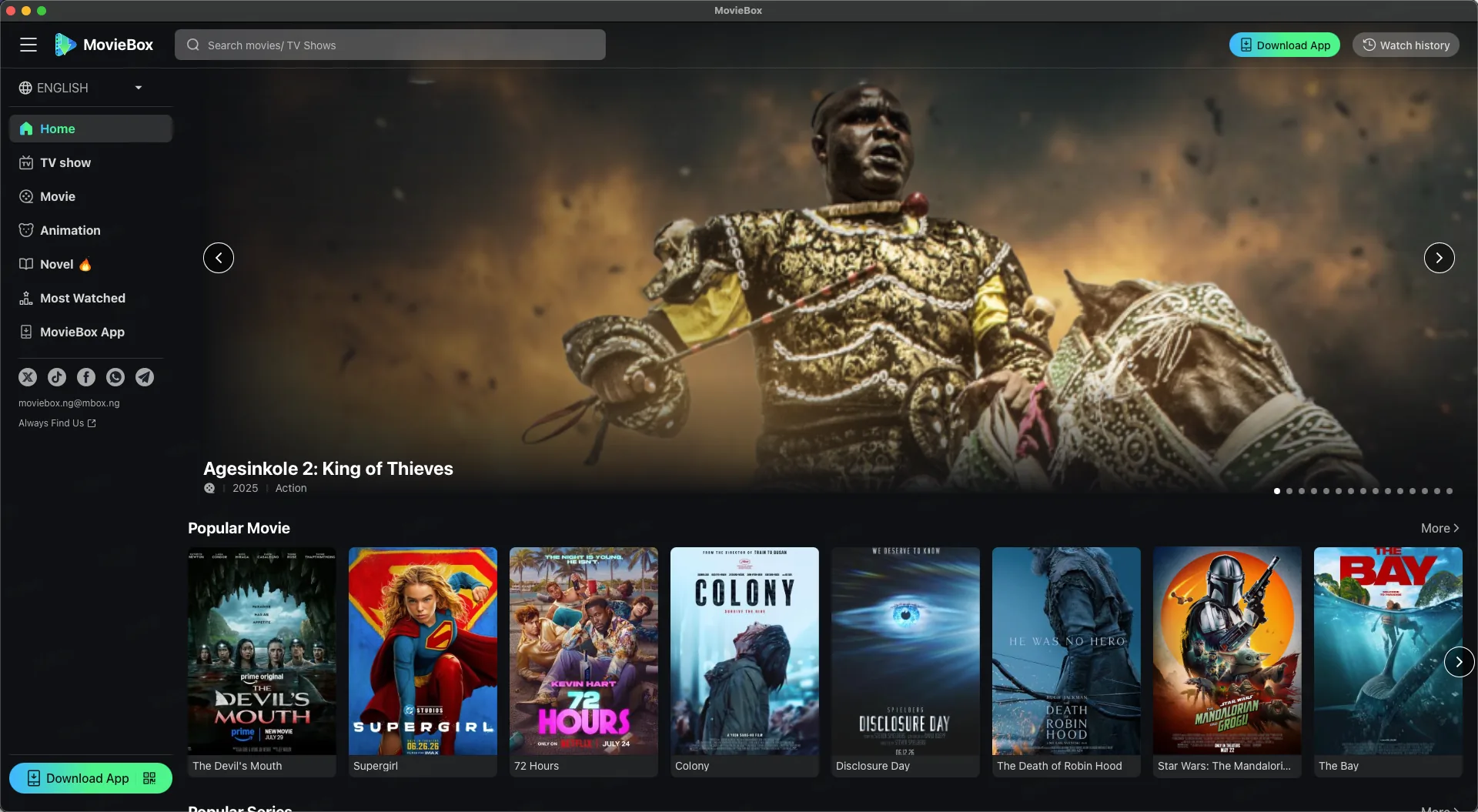
Install the official Windows app in just a few moments.
Click the download button and wait for MovieBox.exe to finish downloading to your PC.
Open MovieBox.exe, then follow the Windows installation prompts to complete setup.
MovieBox Launch MovieBox from the Start menu or desktop and start watching.
Find what you love, learn more, and start watching from one focused desktop app.
Browse popular movies, series, anime, and more from a clean desktop library.
See stories, ratings, episodes, trailers, cast, and related picks without the clutter.
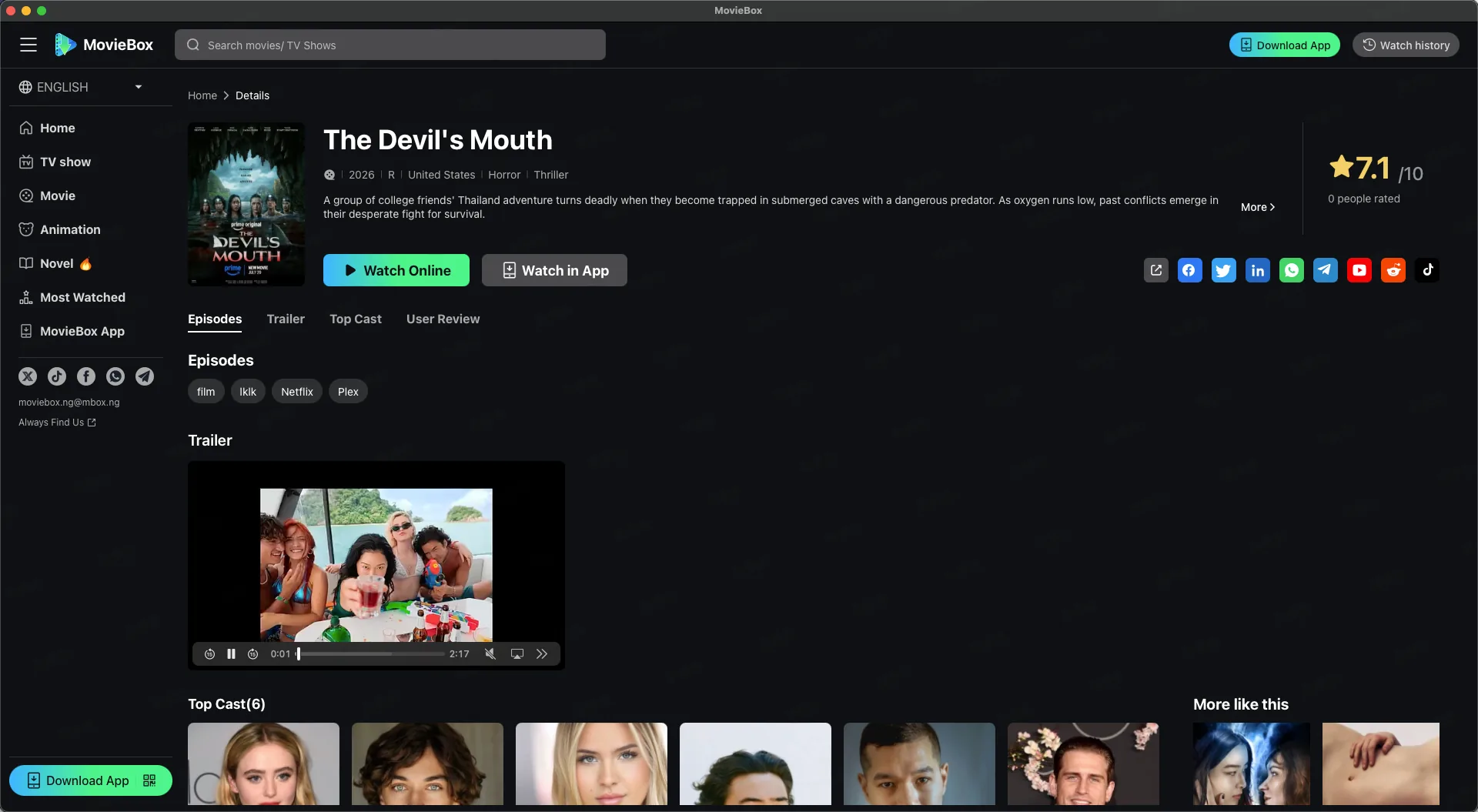
Enjoy every scene in a spacious player built for keyboard and mouse.
Get the EXE directly from MovieBox whenever you need the latest version.
Quick answers about installing, updating, and using the Windows app.
Download MovieBox.exe, open the installer, and follow the on-screen setup instructions. You can then launch MovieBox from the Start menu or desktop.
Download the official MovieBox EXE and get started.